Skip to content
Images

MiniMax-H3-Image

генерация и редактирование в 16 Мп за 6 шагов

2 min readupdated

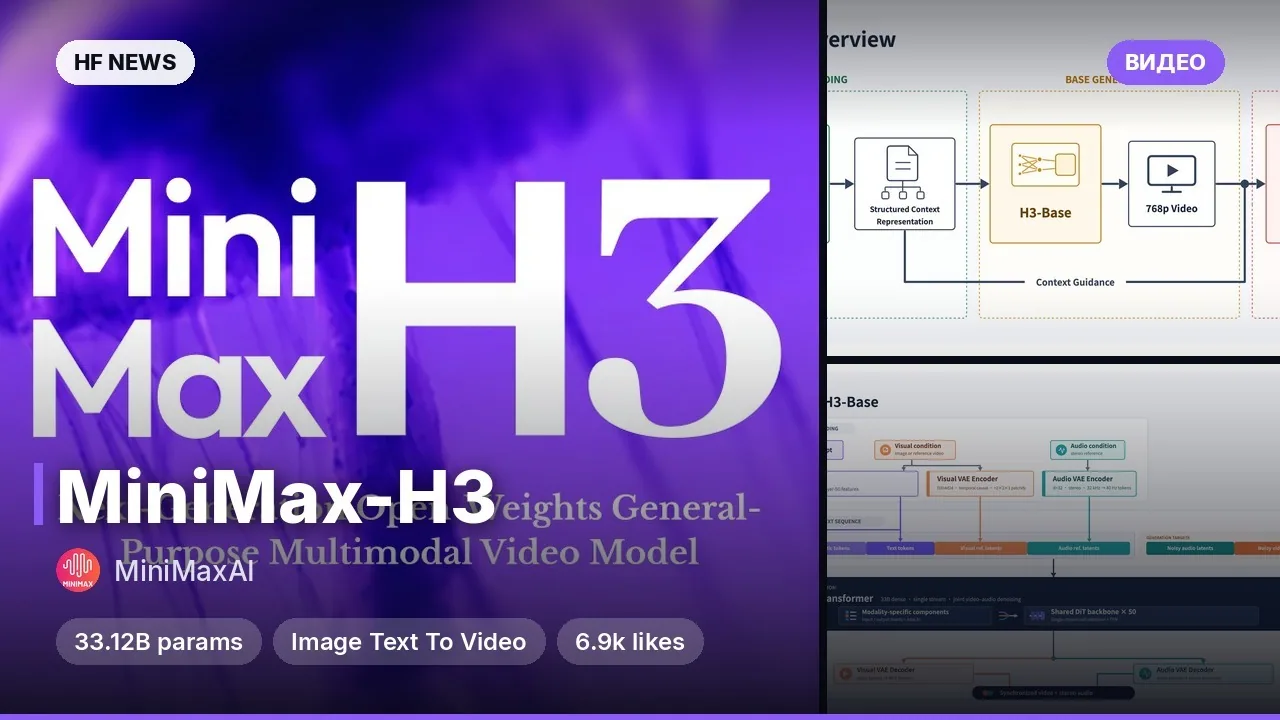
Новая открытая модель от MiniMax объединяет генерацию картинок по тексту и редактирование по референсам в одном чекпоинте. В её основе лежит архитектура MiniMax-H3 без аудиоблока: связка из текстового энкодера Qwen3-VL, VAE и диффузионного трансформера (DiT) на 33,1 млрд параметров. Главная фишка — модель выдаёт изображения разрешением около 16 мегапикселей (например, 4096×4096 или 6272×2688) напрямую, без отдельного апскейлера, и дистиллирована всего под 6 шагов семплирования. Подойдёт разработчикам, дизайнерам и всем, кому нужна высокая детализация и точное следование сложным сценариям.

Ключевые особенности

  • Нативные 16 мегапикселей: эффективный рабочий диапазон составляет от 4 до 20 Мп, а пиковое качество достигается около 16 Мп в любых соотношениях сторон (от 1:1 до 21:9).
  • Генерация + редактирование в одном файле: модель принимает до 16 референсных изображений за раз, обращаясь к ним в промпте через теги вроде .
  • Быстрый инференс за 6 шагов: чекпоинт дистиллирован под 6 NFEs без classifier-free guidance, что делает генерацию сверхвысокого разрешения практичной по скорости.
  • Широкая экосистема запуска: поддерживается из коробки в ComfyUI, diffusers, SGLang, vLLM-Omni и LightX2V.

Что можно сделать

  • Генерировать детализированные иллюстрации и фотореализм: создавать крупные сцены с мелкой фактурой в 4K+ без мыла от последующего апскейла.
  • Собирать сложные коллажи и сцены: загружать до 16 референсов персонажей, объектов или окружения и объединять их по текстовой инструкции.
  • Развернуть локальный API-сервер: поднять сервис генерации на GPU через SGLang или vLLM-Omni (с поддержкой тензорного параллелизма) либо подключить готовые шаблоны в ComfyUI.

Пример

hf download MiniMaxAI/MiniMax-H3-Image
hf download MiniMaxAI/MiniMax-H3 --include "text_encoder/*"
vllm serve MiniMaxAI/MiniMax-H3-Image --omni --host 0.0.0.0 --port 8000
Подробнее Архитектура: DiT на 33.1B параметров (50 слоёв, BF16) + текстовый энкодер Qwen3-VL + Image VAE (16x даунсемплинг).
Объём весов: 68.65 ГБ сам чекпоинт + 66.7 ГБ текстовый энкодер из репозитория MiniMax-H3 (опционально 17.9 ГБ для расширителя промптов MiniMax-H3-Image-PE).
Ограничения API: поддерживаются только num_inference_steps=6 и guidance_scale=1; negative_prompt не поддерживается.
Железо: в рецептах vLLM-Omni протестирована на ускорителях уровня NVIDIA H200, RTX PRO 6000 Blackwell и AMD Instinct MI350X (поддерживается мульти-GPU через Ulysses).

Примеры
Discuss 1.7K 952K

Will it run?

Won't run

Not enough memory even for 4-bit. Below are GPUs you can rent.

  • BF16weights 188 GB · ready files208 GB
  • FP8 / INT8recommendedweights 94 GB105 GB
  • 4-bitweights 53 GB60 GB

Tip: go 8-bit.FP8 / INT8 is within about a percent of full precision in quality, takes half the memory and runs faster on RTX 40/50 and H100. Full precision only pays off for fine-tuning.

What to get for this model

Massed ComputeOpen Massed Compute

Your own GPU: Won't fit any home GPU — renting is cheaper.

Massed Compute hourly prices, November 2026. The discounted price applies with the coupon at checkout.

Estimate: weights plus working memory. Long videos, high resolutions and long contexts need more.

Run it on Massed Compute

The script downloads the model to the rented machine. How to run it is in the model card.

  1. 1. Rent a machine with a fitting GPU

    Open Massed Compute
  2. 2. Paste the script into the machine's terminal

    Connect over SSH (the Massed Compute panel shows the command) or open a terminal on the machine's desktop.

    HF_TOKEN / CIVITAI_TOKENThe script starts with token lines: paste yours between the quotes. The Hugging Face token is for gated models, the Civitai one for Civitai models.

    # MiniMaxAI/MiniMax-H3-Image
    mkdir -p ~/models
    curl -LsSf https://astral.sh/uv/install.sh | sh
    source "$HOME/.local/bin/env"
    uv tool install "huggingface_hub[cli]"
    hf download MiniMaxAI/MiniMax-H3-Image --local-dir ~/models/MiniMax-H3-Image
    # The model is in ~/models. How to run it is in the model card (link above).
    Add more LoRAs to MiniMax-H3-Image
  3. 3. Use it

    The model is in ~/models. How to run it is in the model card (link above).

Stop the machine in the panel when you are done: it bills by the minute while it runs.

How to speed it up

Picked for this model type. Choose your hardware above to see what fits you exactly.

  • SageAttention 3v2.2.0from October 28, 2025

    even faster on RTX 50 / Blackwell

    FP4 attention for Blackwell. Faster than SageAttention 2, but the authors suggest v2 when accuracy matters.

    How to enable: Build from the sageattention3_blackwell folder of the repo; in ComfyUI via KJNodes.

    Earlier generations (2)
    • SageAttention 2++ — Quantised (INT8/FP8) attention with no visible quality loss. The main speed-up for image and video generation.
    • SageAttention 1 — First version: INT8 for Q·K. Still works, but 2++ is faster and more accurate.
  • FlashAttention 44.0.0b40from November 18, 2026new release

    fastest exact attention on B200

    Kernels for Blackwell (beta). Exact attention without quantisation — fine for everything, LLMs included.

    How to enable: pip install flash-attn-4; vLLM and SGLang pick it up themselves.

    Earlier generations (3)
    • FlashAttention 3 — The Hopper (H100/H200) version with FP8.
    • FlashAttention 2 — The standard for RTX 30/40/50 and A100: exact attention without the memory cost of long contexts.
    • xFormers — The older way to speed up attention, works almost everywhere. Sage or Flash are faster where available.
  • cache-dit (DBCache)v1.5.6from November 20, 2026new release

    1.5–3× at nearly the same quality

    Reuses block outputs between diffusion steps. Supports most DiT models.

    How to enable: pip install cache-dit; one line cache_dit.enable_cache(pipe) for diffusers.

    Earlier generations (2)
    • MagCache — Skips steps by magnitude of change. More accurate than TeaCache, no calibration.
    • TeaCache — The first popular diffusion step cache. Works, newer methods are more accurate.
  • Nunchaku (SVDQuant 4-bit)v1.2.1from January 25, 2026

    ≈3× faster and 3.5× less memory

    4-bit versions of popular image models with almost no quality loss (FP4 on RTX 50).

    How to enable: Ready weights for supported models; in ComfyUI use ComfyUI-nunchaku.

  • torch.compile2.15.0from October 28, 2026new release

    10–30% for free

    Compiles the model for your GPU. Slower first run, faster afterwards.

    How to enable: model = torch.compile(model); in ComfyUI the TorchCompileModel node.

MiniMax H3 prompts

All prompts

Ready prompts with the resulting video: copy and try.

Model family

New posts about versions of MiniMax-H3 (quants, finetunes, LoRAs) will show up under the bell.

Quantised versions 12All on Hugging Face
Fine-tunes 12All on Hugging Face
LoRAs and adapters 12All on Hugging Face
Merges 3All on Hugging Face

About the model

MiniMaxAI/MiniMax-H3-Image
Author
MiniMaxAI
Category
Images
Released
Posted

On NeyroLearn

Hugging Face

952K1.7K

Ask AI about this model

Answered by Gemini 4 · the chat is kept only in this tab

Comments