H3 Image Character Swap V1
character replacement in photos
2 min readupdated
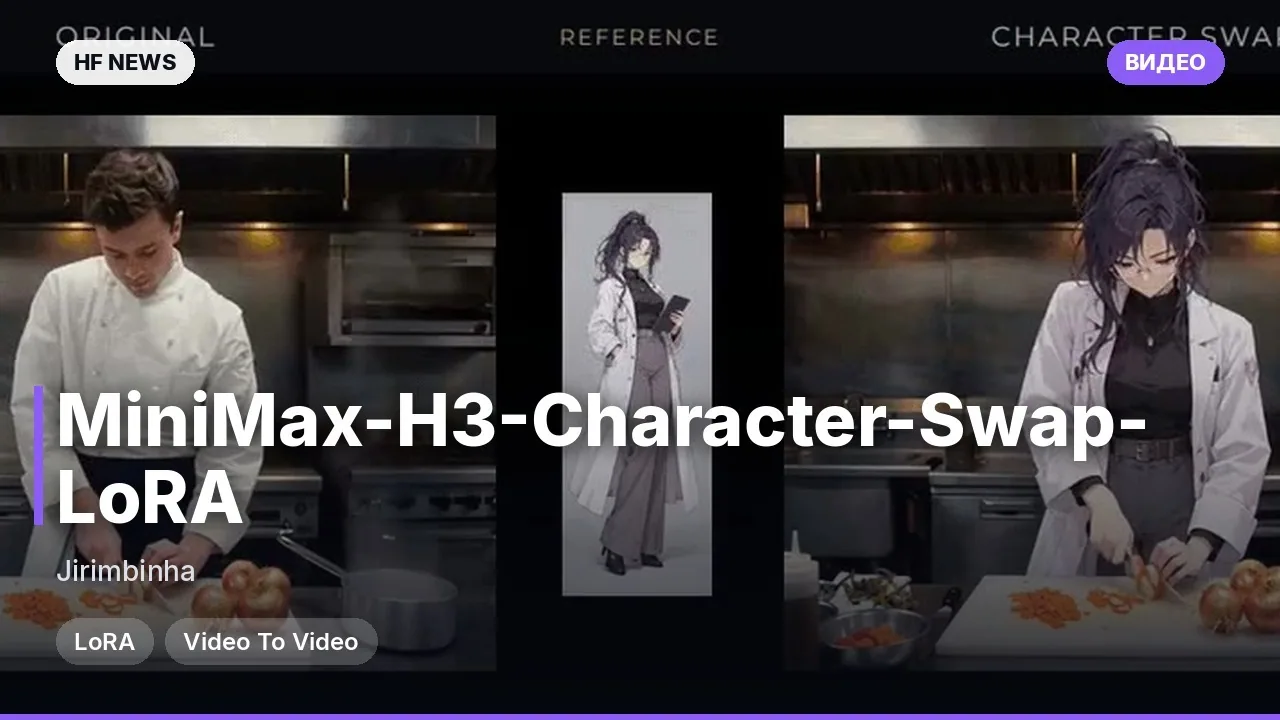
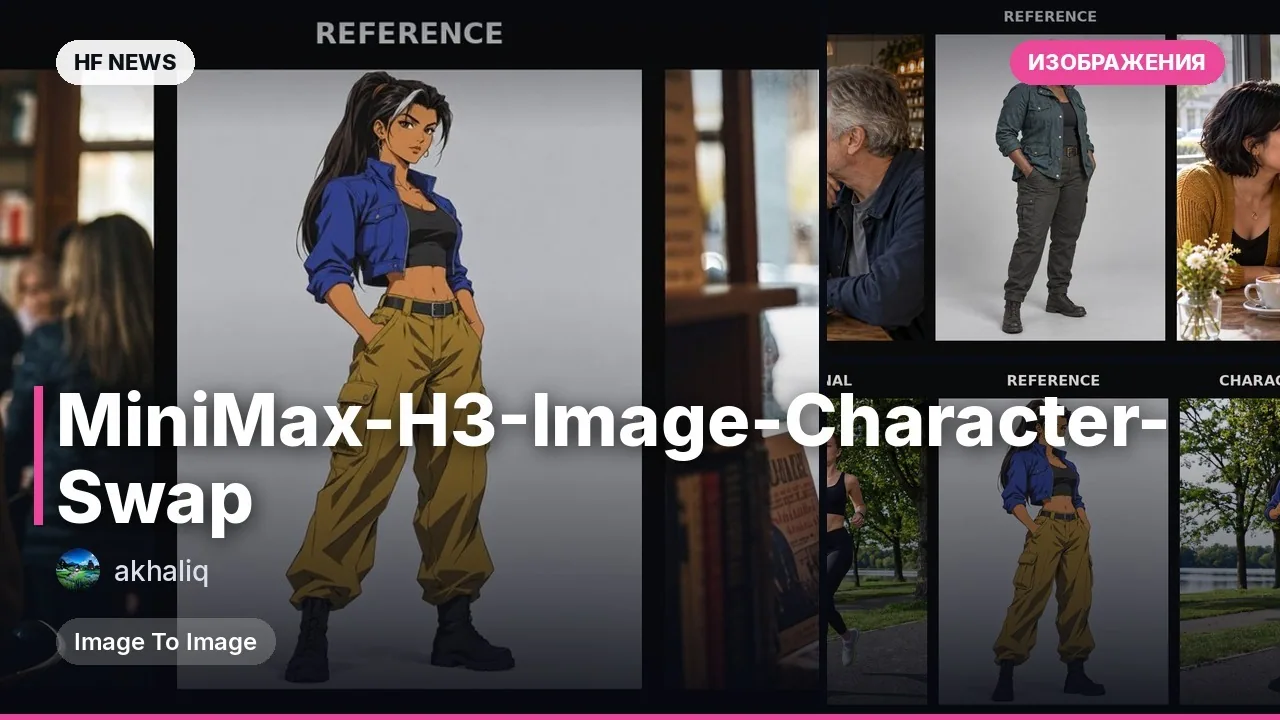
A new LoRA (a small add-on for a base model) for the MiniMax-H3-Image model lets you transfer a character from a reference sheet onto a source image. The tool swaps the hero's face, outfit, and style while preserving the pose, composition, lighting, and background of the original frame. This release targets artists, designers, and content creators working with image generation.
Key features
- Transfers a character's face, outfit, and style from a reference sheet to a source photo.
- Faithfully follows the pose, angle, lighting, and background of the original image.
- Works best when the LoRA strength setting is 1.0.
- Tested on the base INT8 version of the model using ComfyUI.
What you can do
- Replace a specific person in a source photo with a character from a reference while keeping their clothing and appearance.
- Use it alongside ComfyUI and a ready-made workflow for fast character generation in desired poses.
- Transfer characters from concept sheets or your own designs into finished scenes and backgrounds.
- Experiment with transferring humanoid creatures and characters into diverse environments.
Example
Example prompt for ComfyUI:
Replace the woman in the dark jacket in with the character from . Keep her position, pose, and expression. Preserve the background and everyone else in the scene.Read more
DetailsBenchmarks: trained on 140 paired images with 18 validation examples.
Requirements: ComfyUI 0.45.0, RTX 4090 graphics card with dynamic VRAM.
Limitations: designed for people and humanoid creatures; may make mistakes on small details, hands, or clothing that blends into the background.
Training details: rank-16 LoRA, trained using AI Toolkit.







Comments