homutan - Artist Style
Dark anime style with textured line art
2 min read
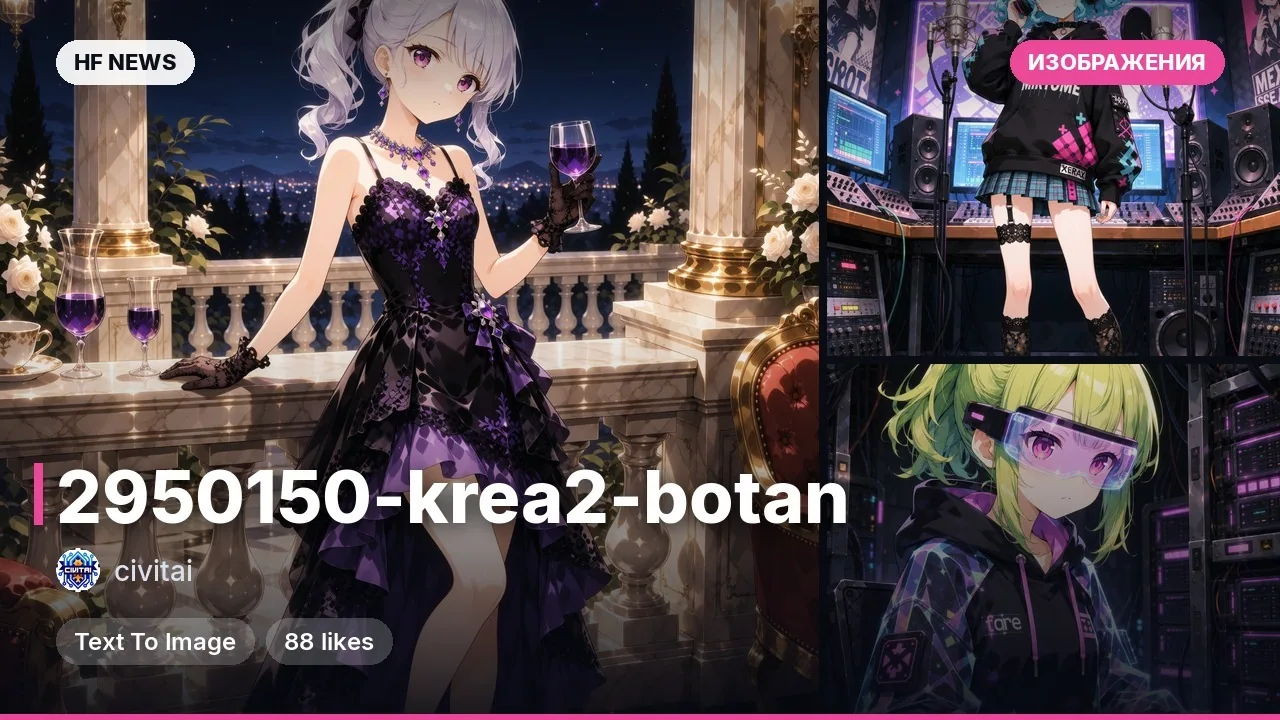
This LoRA (a small add-on for a base model) adds an atmospheric dark anime style featuring fine textured outlines and a muted color palette to your generations. The adapter is trained for the Krea 2 base model by author Azriaelis and stands out for its cinematic painterly lighting, dim tones, and matte grainy texture. It is a great fit for illustrators and enthusiasts looking to move away from standard glossy anime toward a darker, more textured aesthetic.
Key features
- Delicate textured line art and ink style.
- Dark, atmospheric delivery with muted, desaturated colors.
- Cinematic lighting, painterly shading, and a matte finish with a slight grain.
- Flexible compatibility: the author tested the adapter with presets for Anima, Krea2Turbo, and MOSS-Image.
What you can do
- Generate dark illustrations and character concept art in a dark fantasy or noir anime style using Krea 2.
- Combine it with Krea2Turbo or MOSS-Image using an 8-step turbo-LoRA for quick sketch rendering in 8 to 16 steps.
- Adjust the strength of the author's style using the trigger word
@homutanand an adapter weight ranging from 0.6 to 1.4.
Example
To activate and boost the style, add the trigger word @homutan to your prompt along with a scene description like dark, moody, cinematic lighting. Recommended base settings for Krea2Turbo: sampler euler or er_sde, scheduler simple or beta, 8–10 steps, CFG 1, and a LoRA weight of 0.8–1.4.
Read more
DetailsBase model: Krea 2, type: LORA.
Recommendations for Anima: sampler er_sde / euler / dpmpp_sde_gpu, scheduler beta / linear_quadratic / simple, weight 0.6–0.8, 25 steps, CFG 4.
Recommendations for MOSS-Image (with 8step turbo lora): sampler euler, scheduler simple, weight 0.8–1.0, 8–16 steps, CFG 1–3.


Comments