Real Skin for MOSS Image
natural skin texture in photos
2 min readupdated
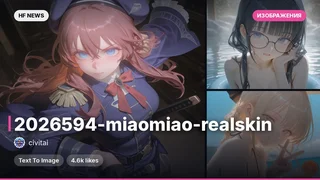
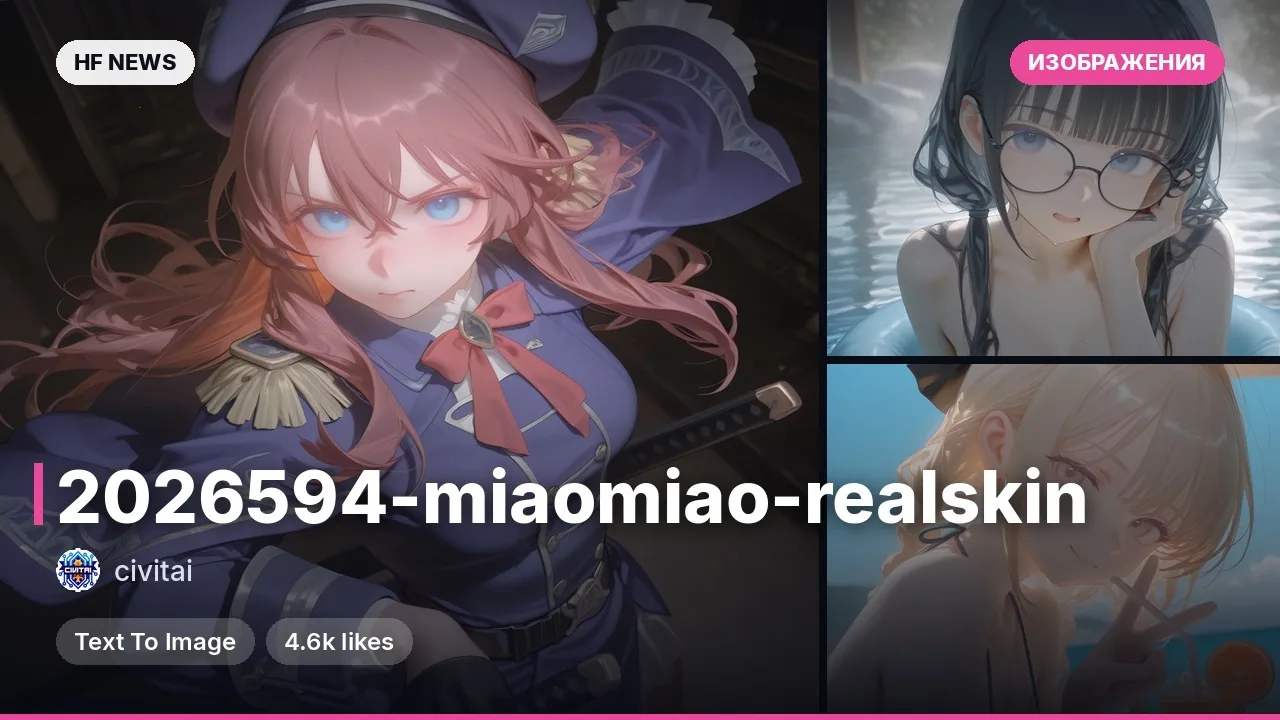
A LoRA (a small add-on layer for a base model) adds freckles, visible pores, uneven tone, and slight redness to portrait generations, removing the artificial "beauty filter" effect without changing facial features. The model was trained on a hundred hand-picked photos of real skin across various ages and lighting conditions. It is suitable for creating snapshots that look like amateur phone photos and preserves detail in both close-ups and medium shots. Useful for content creators, designers, and those generating realistic portraits.
Key features
- Eliminates the smooth, glossy skin look and adds natural details like pores and freckles.
- Preserves facial features and works well on both close-up and waist-up shots.
- Trained on shots featuring diverse skin types, ethnicities, and lighting options.
- Designed specifically for use with the MOSS Image SFT base model.
What you can do
- Generate a realistic human portrait without excessive retouching or a mask-like effect.
- Create a series of shots imitating amateur smartphone photography.
- Experiment with portraits in ComfyUI by combining the LoRA with weight settings and trigger words.
Example
Example prompt with the trigger and keywords for generation: r3alsk1n, portrait of a woman, natural light, amateur phone photo, freckles, no makeup.
Read more
Details• Base model: MOSS Image SFT (the effect becomes blurry on the Base version)
• Recommended LoRA weight: 0.7 to 1.0
• Generation parameters: 35 steps, CFG 3, euler sampling, and sgm_uniform
• Limitations: avoid the phrase motion blur in prompts, as it ruins skin detail








Comments